Copy reports between projects
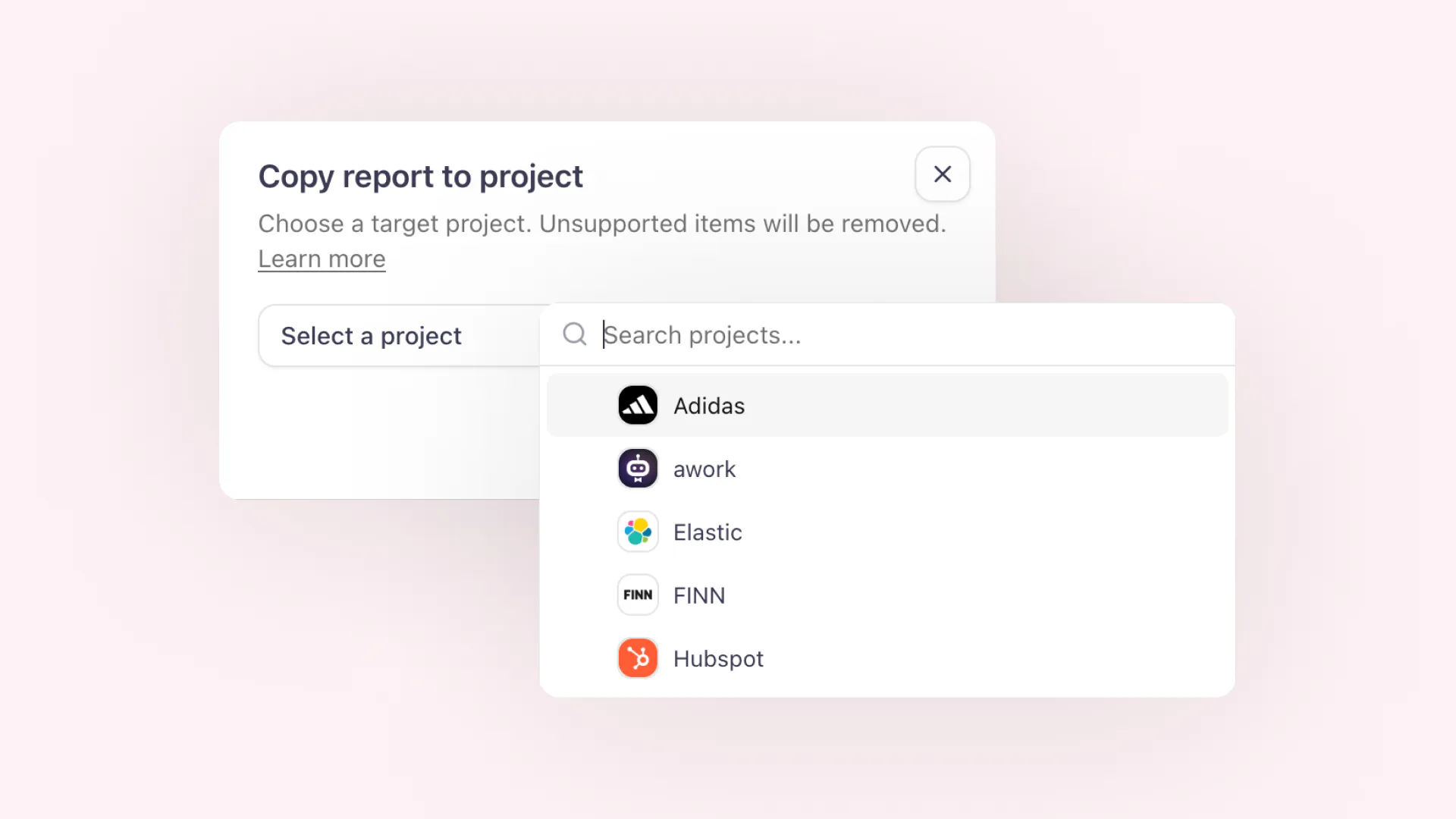

You can now copy reports from one project to another.
Use Copy to project from a report card to send an existing report into another project, or use Import from other project on the reports page to bring a report into the project you are currently working in.
aclipp automatically adapts the copied report to the target project. Built-in metrics stay intact, while custom metrics and tags are matched by name where possible. If the target project does not have a matching metric, tag, filter option, or sorting field, that part is removed during the copy.
This makes it easier to reuse monthly report structures, client templates, and campaign layouts without manually rebuilding them for each project.