Product Updates

All the latest updates, improvements, and fixes to aclipp
Crop Clipping Images Directly in aclipp

Crop Clipping Images Directly in aclipp

Trim clipping images to the relevant section without leaving the app.

Add custom entries to your report summary

Add custom entries to your report summary

The summary block now supports custom entries alongside metrics, so you can add any label and value you need to contextualize your reports.

 Quick Access Menu

Quick Access Menu

Jump to any page, clipping, or action in seconds with the new keyboard-driven quick access bar.

Excel Import

Excel Import

Import clippings directly from Excel files, with the same smart column mapping and bulk editing you already know from CSV.

Report Downloads Page

Report Downloads Page

Manage all your report exports in one place, with PDFs that now match the web version pixel for pixel.

Formula Metrics

Formula Metrics

Define formulas that automatically calculate values from your clipping data and other metrics.

The New aclipp Help Center

The New aclipp Help Center

A brand-new Help Center with guides, tutorials, and answers to help you get the most out of aclipp.

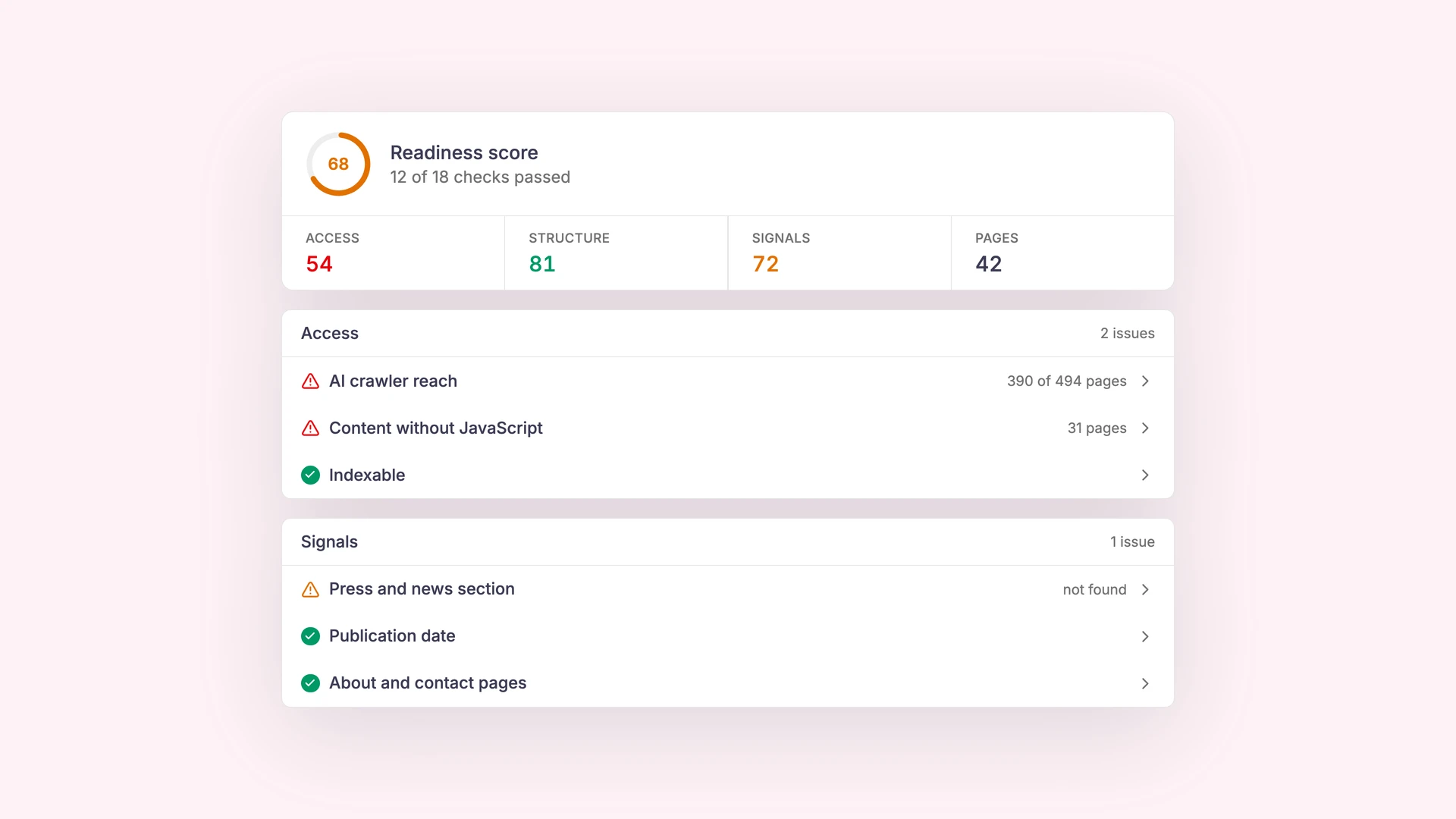
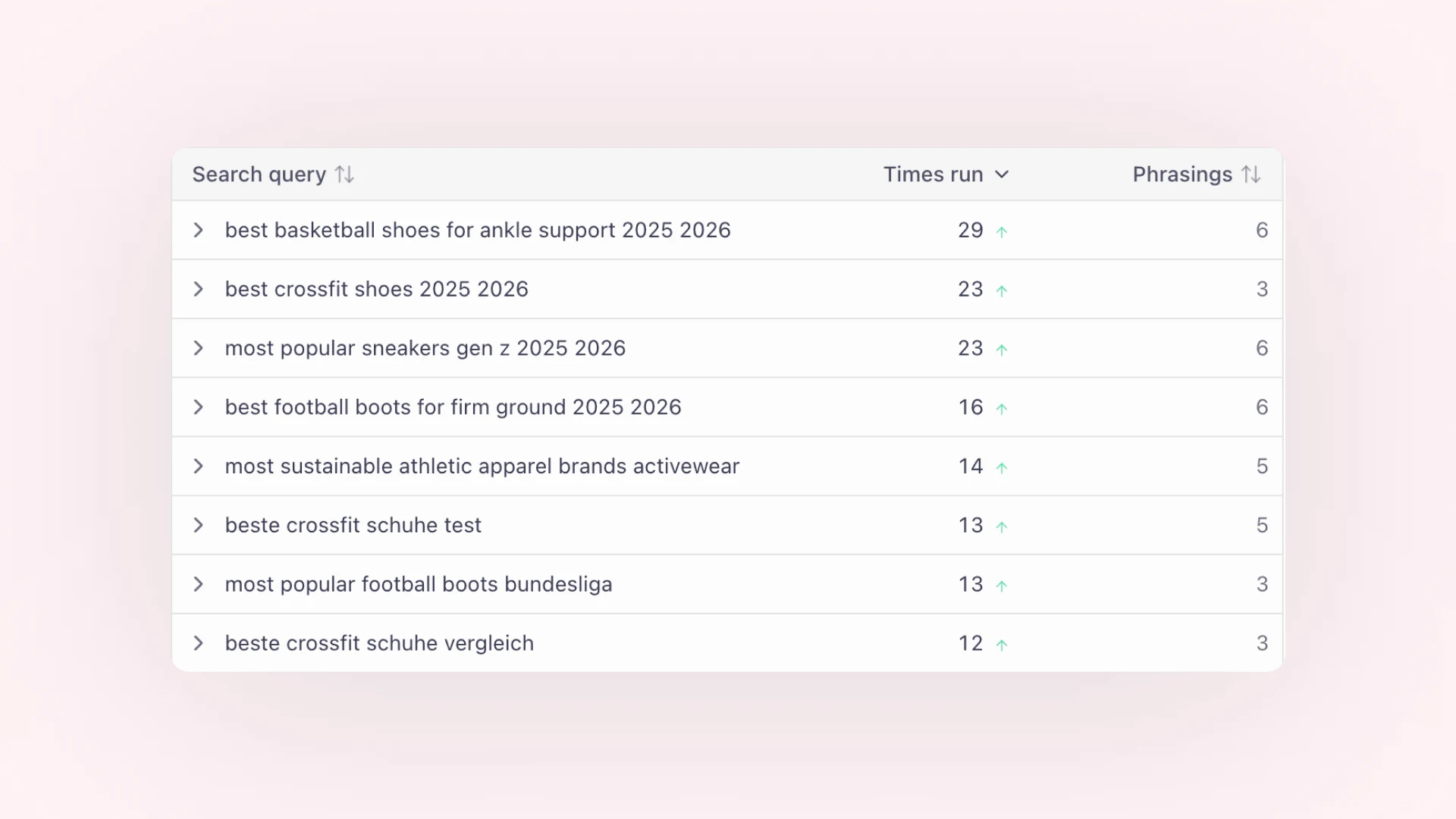
 aclipp Monitoring (Beta)

aclipp Monitoring (Beta)

Automatically discover relevant media mentions with aclipp's own built-in monitoring.

Redesigned CSV Importer

Redesigned CSV Importer

A brand-new, intuitive workflow for importing your clippings via CSV files.

Browser extension: Now for Firefox and Edge

Browser extension: Now for Firefox and Edge

Multi-browser support and automatic clipping captures.

 Enhanced Social Media Processing

Enhanced Social Media Processing

Improved data extraction and processing for TikTok, Instagram, LinkedIn & more.

Argus Data Insights Integration

Argus Data Insights Integration

Connect your Argus account to automatically import clippings into aclipp.

Dashboard Sharing Now Available

Dashboard Sharing Now Available

Share your live dashboards publicly with a simple link!

Talkwalker & Google Alerts Integration

Talkwalker & Google Alerts Integration

Connect Talkwalker and Google Alerts to Aclipp for broader media coverage and real-time updates.

Landau Media Integration

Landau Media Integration

Observer Integration

Observer Integration

Integrate with Observer to expand your media monitoring capabilities and reach.

Clipping Relevancy Checking

Clipping Relevancy Checking

AI evaluates whether a clipping is relevant to your brand & helping you keep your workspace clean and focused.

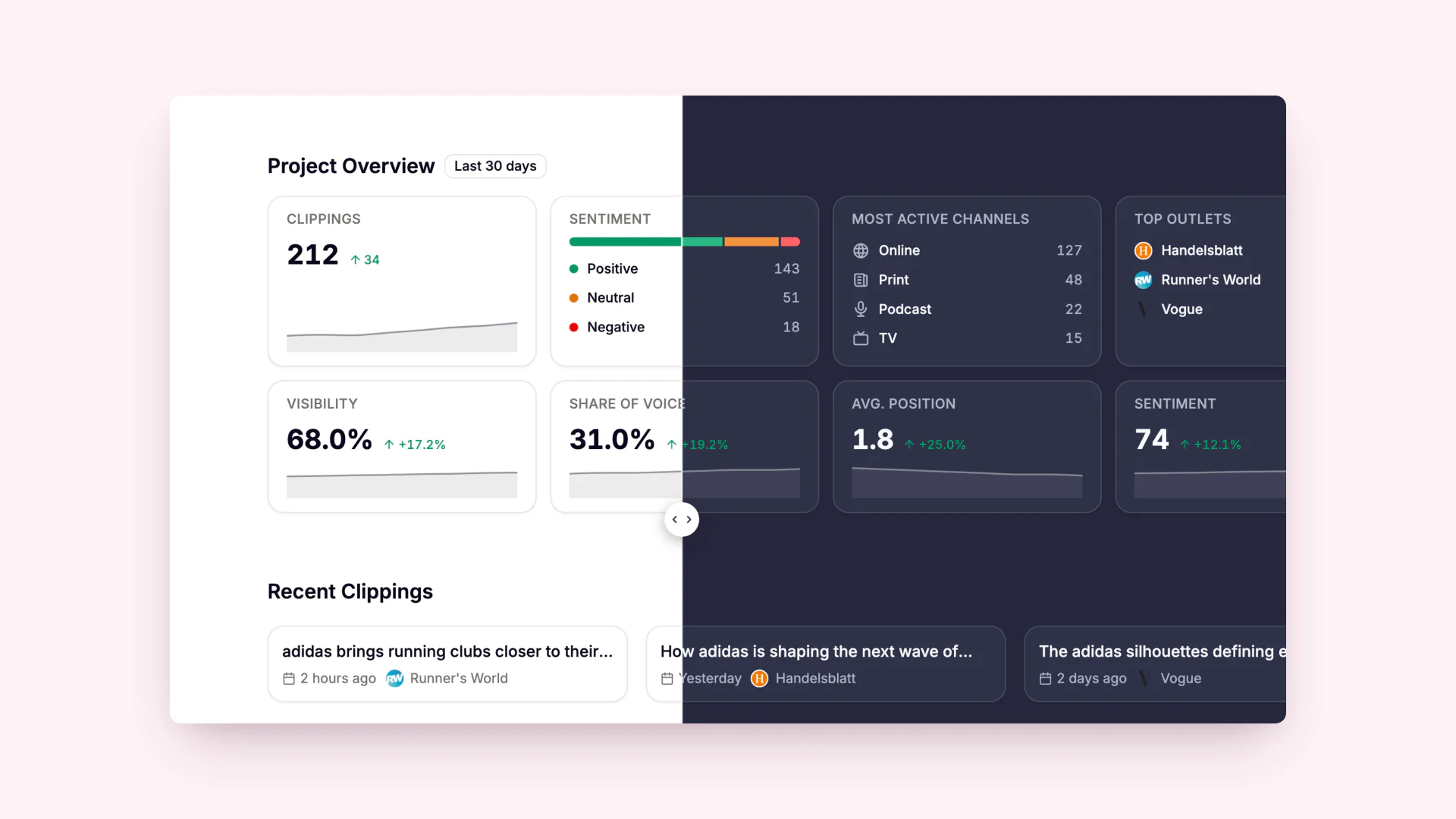
New Project Dashboard

New Project Dashboard

A redesigned dashboard built around user workflows. Faster, clearer, and fully focused on what you need to do next.

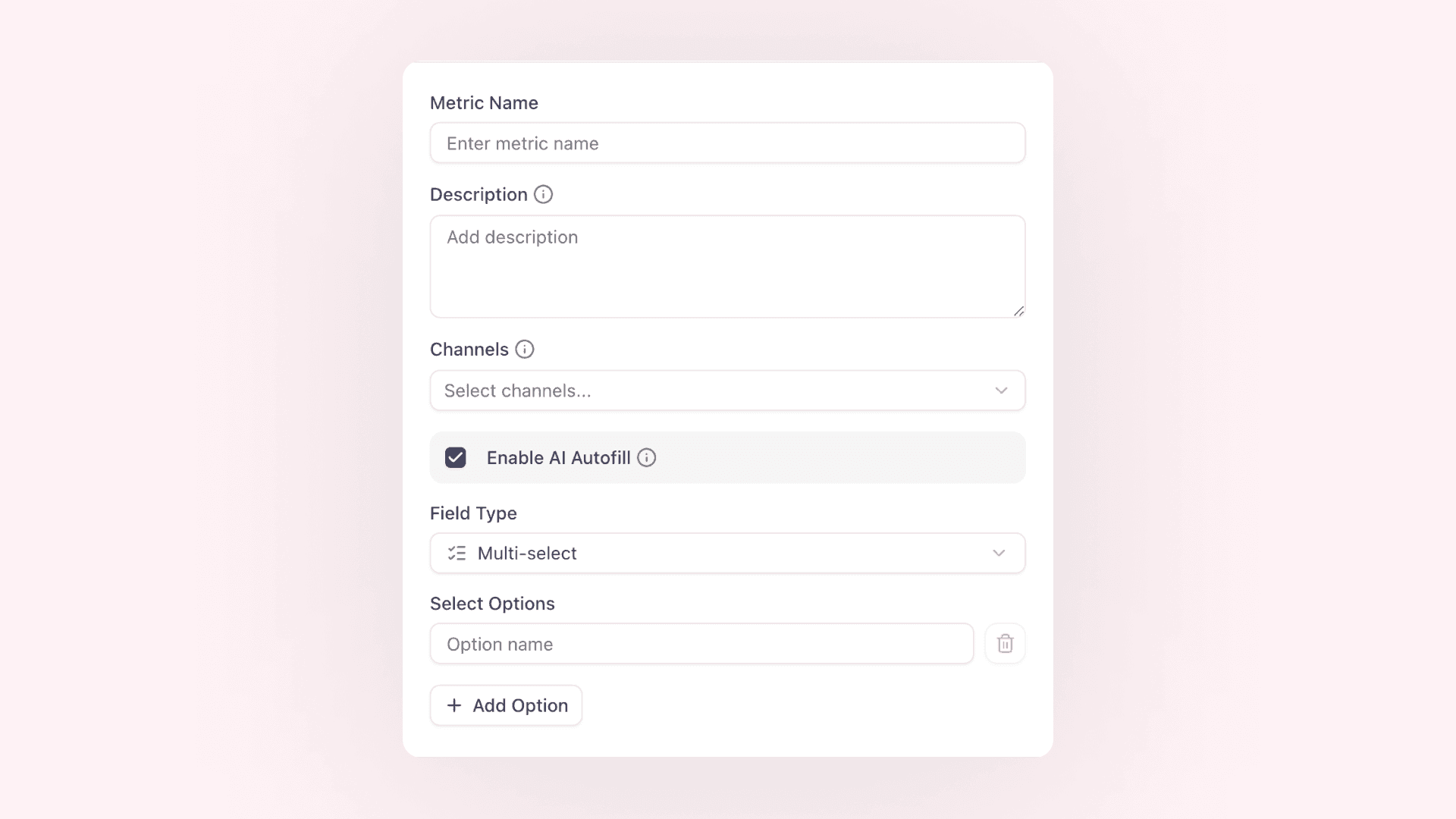
Auto AI Prefill of Custom Metrics & Tags

Auto AI Prefill of Custom Metrics & Tags

AI suggests values based on your own metric and tag descriptions — fully adapted to your individual setup.

Automated Screenshot Capture

Automated Screenshot Capture

Every online clipping now includes an automatically generated screenshot..

Batch File Imports

Batch File Imports

Upload multiple files at once to create clippings in bulk. Fast, structured, and fully automated.

Batch URL Import

Batch URL Import

Import multiple articles and mentions at once. Faster, easier, and more efficient content collection.

Metric & Tag Wizard

Metric & Tag Wizard

A guided setup that helps you create clear, consistent, and AI-ready metrics & tags in minutes.

RSS Feed Integration

RSS Feed Integration

Automatically import new articles and mentions from your preferred sources without manual work.

aclipp 2.0

aclipp 2.0

We rebuilt aclipp from the ground up — faster, more flexible, and ready for what’s next. This major release ships three big highlights:

aclipp Chrome Extension 2.0

aclipp Chrome Extension 2.0

New chrome extension with fixed sidepanel & improved UI

Exported Chart Images Now Show the Full Legend

Create perfect visualizations with complete legends

Country Field for Every Clipping

Gain more precise geographic insights into your PR performance

Enhanced Analytics: Cumulative Sum in LineChartCard

Gain deeper insights by visualizing cumulative values in your charts

Optimized Sign-Up

Faster registration & better onboarding

Relaunch of the aclipp Website

Discover the new design and enhanced features

Update of the aclipp Chrome Extension

Enhanced features for an even more efficient clipping experience

New Sorting in the PR Report Generator

Numerous additional sorting options in the aclipp PR report generator are now available.

Date Picker in the Dashboard

Now even more individualized analyses possible with the aclipp Dashboard!

Fullsize-Screenshot Cutter

Too long screenshots are now automatically trimmed by aclipp to fit, so the images are always in the right format.

Highlight Filter in the Clipping Table

In the Clipping Table, you can now filter by highlight clippings.

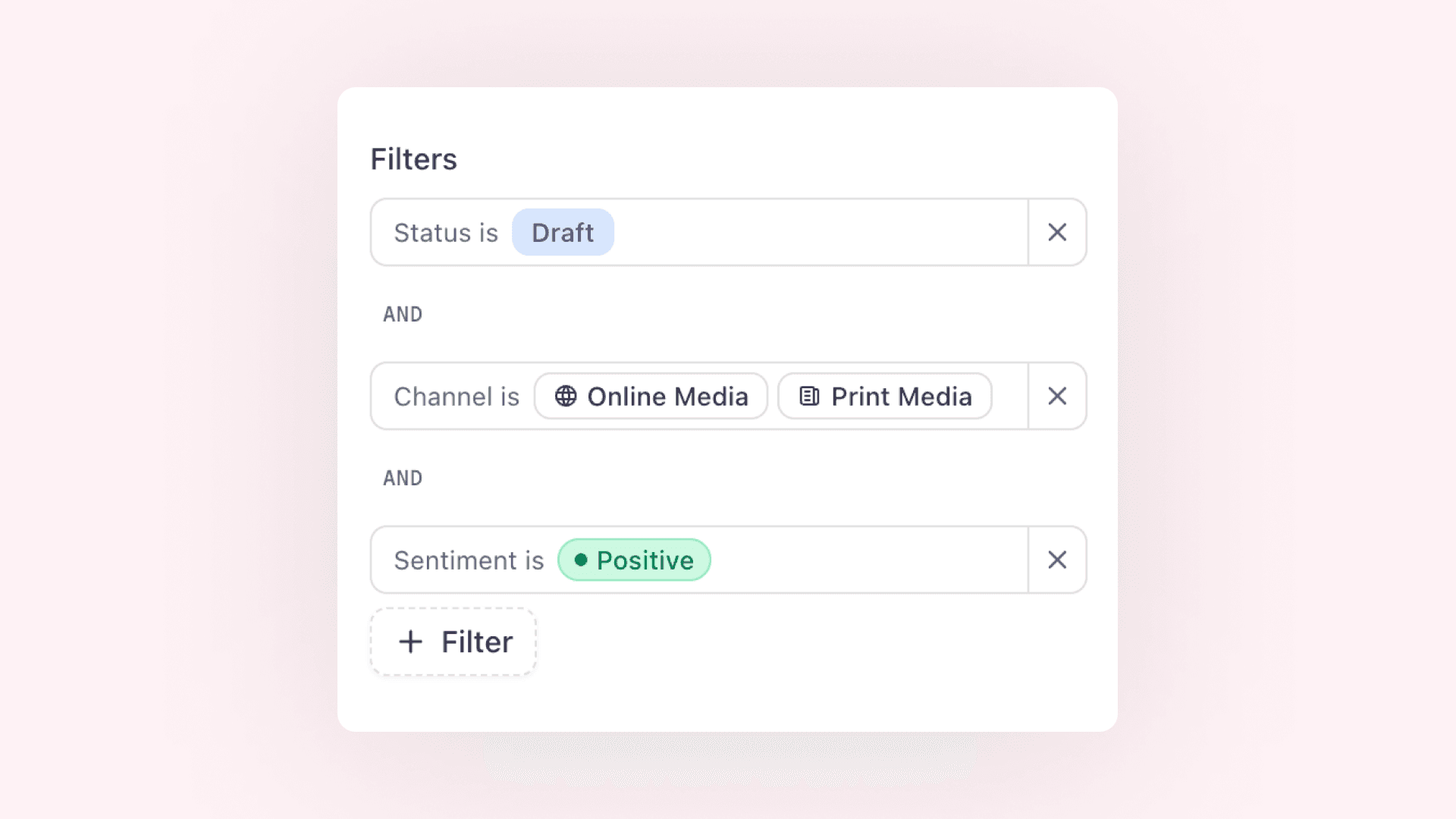
New Filters for the Report Generator

You can now filter by the creator in the report generator. This works for both PowerPoint and CSV reports.

New Configuration for the Brand Dashboard

New evaluations are now available for the Brand Dashboards, making them even more informative for you.

Clipping Importer

In aclipp, there are various ways to add clippings. You can do this manually through the app, use the Chrome extension, connect your media monitor with aclipp, or use our importer. What exactly does this entail?

Change Order of Receipt Images

You can now change the order of the images in a clipping even after it has been created.

aclipp Chrome Extension

Online clippings can now be saved even more easily!

Add a Profile Picture

Even if it's just a small thing – it makes our entire software feel much friendlier.

Add Links for Audio & TV Clippings

Links can now also be added by default for audio and TV clippings.

An X Instead of "true" and "false" in Export

Our customers requested it – now it's here: An X in the export :)

Better Performance through Stronger Compression

Thanks to the update in compression, the size of images can be significantly reduced, thereby further improving the performance of aclipp.

Check your clippings for relevance even faster

Now navigate between clippings with the arrow keys and check them for relevance even faster.

Choose Your Own Customer Selection

Determine which customers you manage in aclipp and make the software even clearer!

Click through your clippings

Quickly toggle between clippings. Change the status with a click or delete clippings that are not relevant.

Clipping Instagram Stories

Thanks to the new update of our Chrome Extension, Instagram Stories can now be easily captured.

Clipping Trash Can

Clipping deleted: And now? It ends up in the new trash can!

Collapsible Menu Bar

With the new collapsible menu bar, you now have even more space for the essentials. Additionally, the "Upload Clipping" is just one click away.

Connected User available

Link your aclipp account with the various accounts of your clients now.

Connection of Additional Media Monitors

Integration of additional media monitors such as Argus or Meltwater.

Cover Slide in the Report

Many have been waiting for this. Highlight the cover in the clipping view, and it will be displayed correctly in the report.

Create Dashboards for All Your Clients

Now you can create a separate dashboard for each of your clients and share it with them via a link.

Create YouTube Clippings

From now on, you can easily create clippings from YouTube links using the Chrome extension.

CSV Export

Everyone wanted it – now it’s possible. Export a selection or all your clippings as a CSV file. Now you have all your data in your hands.

CSV Reports

From now on, you can easily create CSV reports in addition to PowerPoint reports.

Customers are now Brands

Customers are now Brands in aclipp to better meet the needs of all customers.

Dashboard 1.0

The first version of our dashboard is live. Monitor the development of your clippings and analyze performance by channel. Look forward to future updates!

Dashboard 2.0

Keep track of your PR performance in our dashboard.

Database Update

Our database is now even more up-to-date and includes more than 5,000 newspapers, journals, and magazines from Germany, Austria, and Switzerland.

Database Update

Our database is now even more up-to-date and includes over 4,000 newspapers, magazines, and periodicals from Germany, Austria, and Switzerland.

Delete Individual Screenshots

You can now delete individual screenshots of your clippings and restore them at any time if needed

Delete Metrics

Did you accidentally create a wrong metric or is it no longer current? Simply delete it now with a click.

Demo Customer for Your Test Account

Now a demo customer is also available upon request for all free test accounts!

Download the Clippings with One Click

You want to quickly send a clipping to the customer – now it's possible with just one click.

Editing Clippings Made Even Easier with the Chrome Extension

Thanks to some new features of the aclipp Chrome Extension, clippings can now be edited and saved more easily.

Even more and better online data

Thanks to our new partner SEMrush, we can now provide you with even more and better online data.

Facebook and LinkedIn Support

From now on, you can easily and quickly save mentions from Facebook and LinkedIn channels in aclipp using the aclipp Chrome extension, alongside Instagram, YouTube, and online clippings.

Feedback when you upload a clipping

Have you ever wondered if everything worked out with uploading the clipping? Now you don't have to wonder anymore, because we have directly integrated an upload bar as soon as you add new clippings. Have fun uploading!

Filter Function

Now find relevant clippings in aclipp even faster!

Import Function

Easily import clippings from other monitoring service providers or Excel tables.

Improved Report Layout

We have improved the layout of the aclipp reports so that you hardly have to make any manual adjustments before sending the report to your client!

Improved Social Media Slides in aclipp Reports

The social media channel of the clippings is now displayed in the report with the respective logo.

Improved User Management

We have significantly improved and made the user management for your aclipp account more efficient.

Instagram Posts as Clipping

From now on, you can easily create clippings from Instagram posts. Just add the post URL and we'll take care of the rest.

Interface to Landau Media

There is now a direct connection to the German market leader in media monitoring, so your clippings flow automatically into aclipp.

Limitation of Publisher Names

The names of the publishers are now limited to a fixed number of characters in the reports.

Make Your Success Measurement Even More Individual with aclipp Formula Metrics

With the new aclipp Formula Metrics, you can configure your own calculations with the metrics and thus make your PR analysis even more targeted.

Media Value Calculator

Calculate the media value automatically now. Whether your clipping spans half, a quarter, two, or three pages – aclipp automatically calculates the appropriate media value.

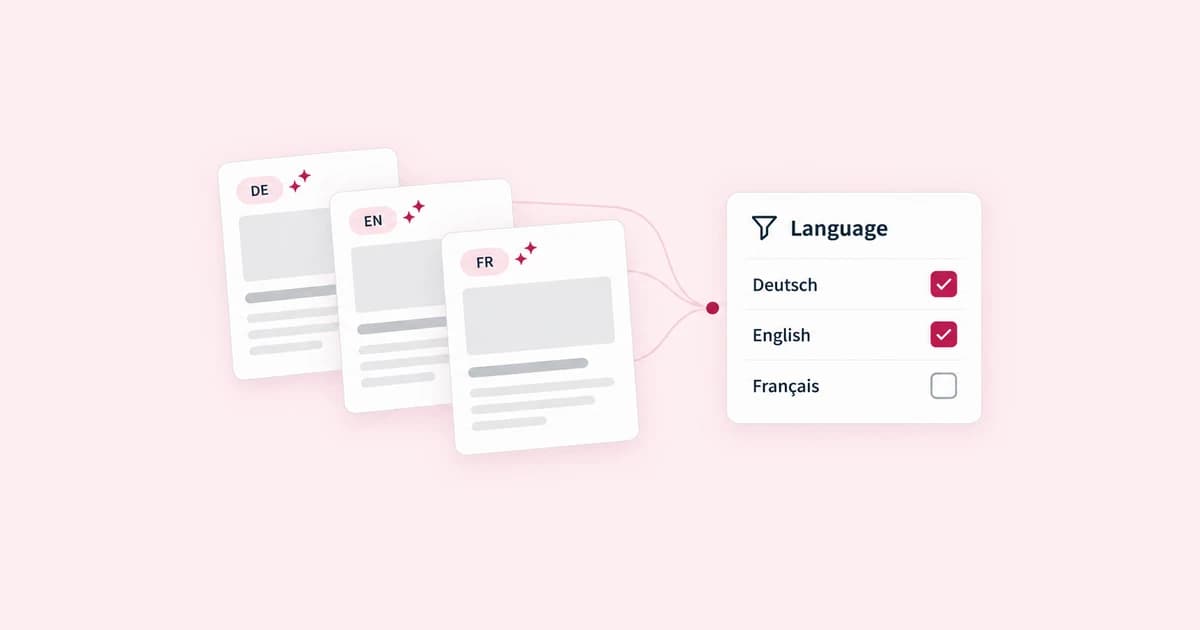
Multi-Language Report

Create reports now in German and English!

New Design for the Metric Overview

The overview of your aclipp metrics now appears in a new and, above all, much simpler design.

New Key Combination for Editing Clippings

To avoid accidentally switching between individual clippings, we have now changed the key combination!

New Report Sorting: By Tag & Date

Clippings can now be sorted by tag and date in the report

New Report Sorting

Easily sort your clippings by date or by publisher (alphabetically) when creating a report.

New Status: Review

Improve collaboration with your colleagues through the additional status for clippings.

Now even easier to create new customers in aclipp

Now you can create new customers in aclipp with just two clicks and get started right away!

Now you can search for clippings!

Are you looking for a specific clipping? You can now do that even faster in aclipp with the new search!

Observer Integration with aclipp

Now connect the media monitoring service »OBSERVER« directly with aclipp.

Onboarding Dashboard

To make your first use of aclipp even easier, the dashboard helps you with your steps to the first report.

Onboarding for New Users

With the new onboarding guides, new users can become familiar with aclipp even faster.

Online Media Value Now Available

We now automatically provide a media value for online clippings, so you can measure the performance of your PR even better.

Performance Improvement

Your clippings now load lightning fast thanks to our latest performance enhancements.

Print Database Update

Our database is now even more up-to-date and includes over 20,000 newspapers, magazines, and journals from Germany, Austria, and Switzerland.

Print Database Updated

We have updated our print database with over 20,000 titles from the DACH region to the latest standards.

Report-Generator 2.0

The new report generator is here!

Reports by Creation Date

Choose whether your reporting should be based on the creation date or publication date.

Rotate your clippings however you want

From now on, you can rotate and mirror your clippings so that they are always displayed optimally.

SEMrush Online Data Update

SEMrush has now improved its online traffic analysis tool, providing you with even more and better data for your clippings.

Share your dashboard with your clients or team

Now you can easily share your dashboard via link with all interested parties and impress them daily with the success of your work.

Simply choose a new license

From now on, you can easily choose the appropriate license when creating a new customer.

Sort Reports by Creation Date

Reports can now also be sorted by the creation date.

Sorting of Slides

There is now a summary slide for each channel with KPIs and a table. Following that are the corresponding clippings and, if selected, the summary of the next channel.

Status Page

On our homepage, you can find out at any time whether everything in the software is working as it should. If you notice something, you can contact us directly via chat or email at support@aclipp.com

Submit new features, bugs, and improvements

Do you notice something that could be improved? Is there something not working the way you wish or do you have an idea for a completely new product feature? We are excited to hear your input and look forward to every submission.

Tags

Add "Tags" to your clippings and filter/report them afterwards.

The buttons are now always accessible

Our beta testers were sometimes unable to find the buttons as they disappeared when scrolling. We have now fixed the button and header bar, so the buttons are always accessible.

Update of the aclipp Print Database

We have updated our print database with over 20,000 titles from the DACH region to the latest version.

Update of the Client Cards

We have further improved the Client Cards for you!

Upload Your Company Logo

From now on, you can upload your logo as an admin in the company settings and display it later when generating reports.

Use Landau Media Tags also in aclipp

The tags from Landau Media for your clippings are now also automatically transferred to aclipp.

User-Generated Database

Our database covers almost every print publisher. If a magazine is missing, you can simply add your own and save it directly for the next clipping in the database.

Your Personal Language Setting

Now you can set the language of your aclipp profile in your personal settings.