Sentiment for Clippings
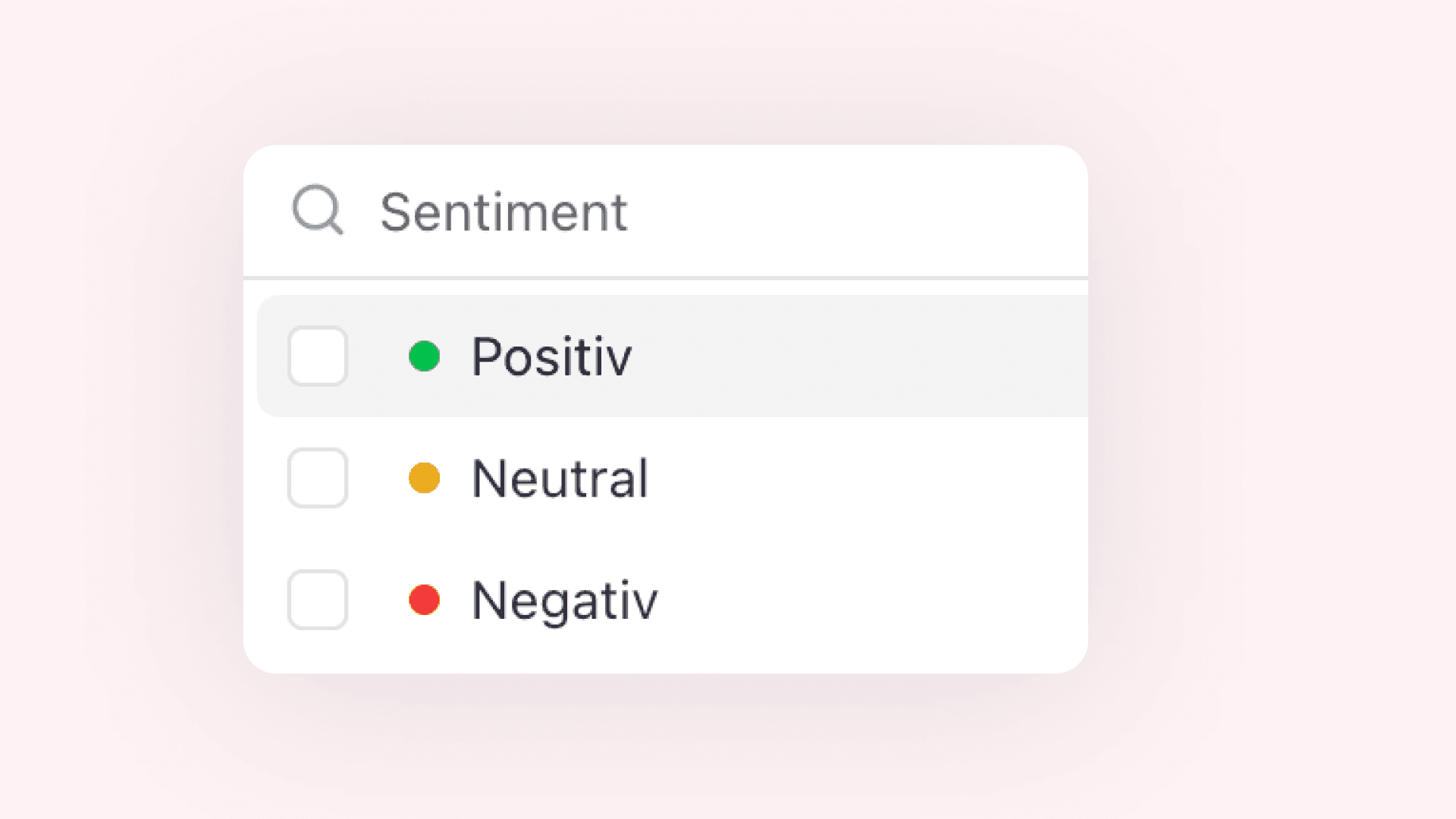

You can now add sentiment to your clippings in aclipp. Each clipping can be marked as positive, neutral, or negative. The value describes the overall tone of the clipping itself, independently of any tracked brand, so it also applies to competitor coverage and clippings that do not mention your primary brand.
Sentiment is shown directly in the clipping table and can be edited in the clipping dialog. When aclipp detects the tone automatically, it can suggest the sentiment for you.
What’s New
- Mark clippings as positive, neutral, or negative
- See sentiment in the clipping table
- Filter and sort clippings by sentiment
- Use sentiment filters when preparing reports