Filter your clippings by language
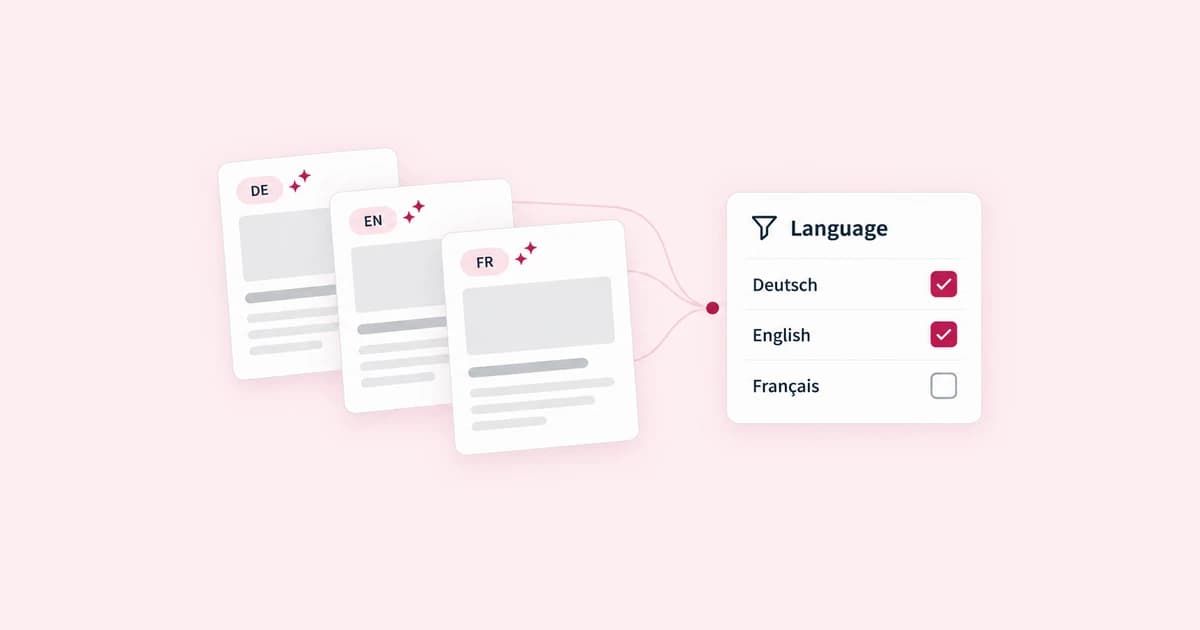

Preparing a report for a client who only needs German and English coverage? You can now select those languages in aclipp instead of sorting through the articles yourself.
Language is a new classification field for clippings. aclipp fills it in automatically based on the content, so you can use it to organize and filter your media coverage.
Filter wherever you work
The language field is available wherever clipping filters are available. Select the languages relevant to your team or client and combine them with your other filters to find the coverage you need.
The field describes the language of the content. An English article from a German publication is classified as English, which is useful when the outlet's country alone does not tell you whether a clipping belongs in your selection.
Choose which languages your integrations import
You can also set a language filter in your integrations. Select German and English, for example, to focus incoming coverage on those languages.
Clippings whose language cannot be determined are still imported, so you can review them yourself.
To try it, choose Language in your clipping filters or set the languages in an integration's filtering settings.