Find and manage duplicate clippings
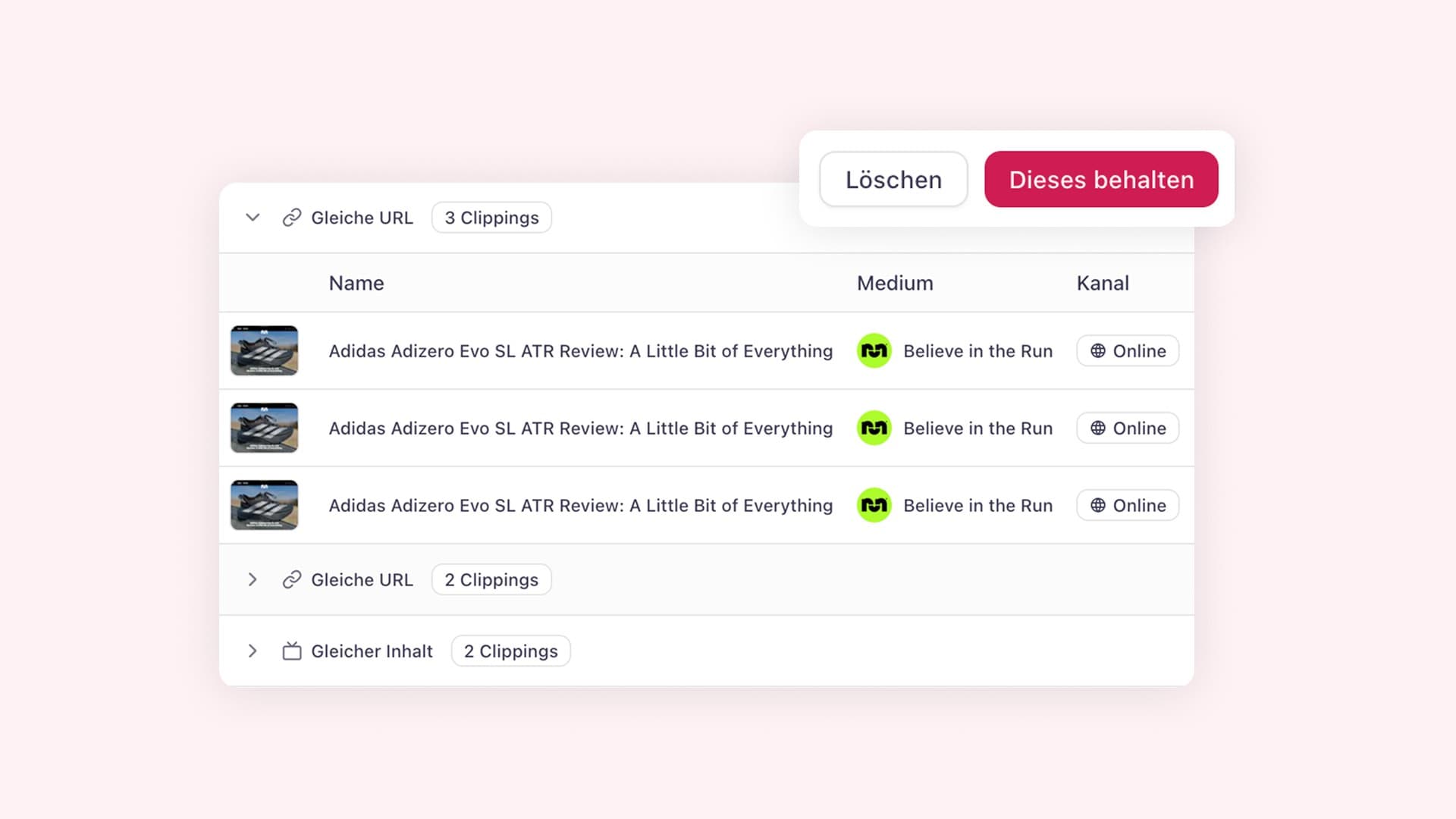

aclipp automatically detects duplicate clippings in every project, based on factors like the URL, the file, and a few other signals. You can review every detected group on the duplicates page under Clippings > Duplicates.
For each group you can delete individual copies, or use Keep this to keep one clipping and move the others to Trash. New: if our detection grouped clippings that aren’t actually the same coverage, click Ignore duplicate on the group. aclipp will stop grouping them, even when new clippings arrive later.
A small page that quietly keeps your project tidy.