Multi-select metrics
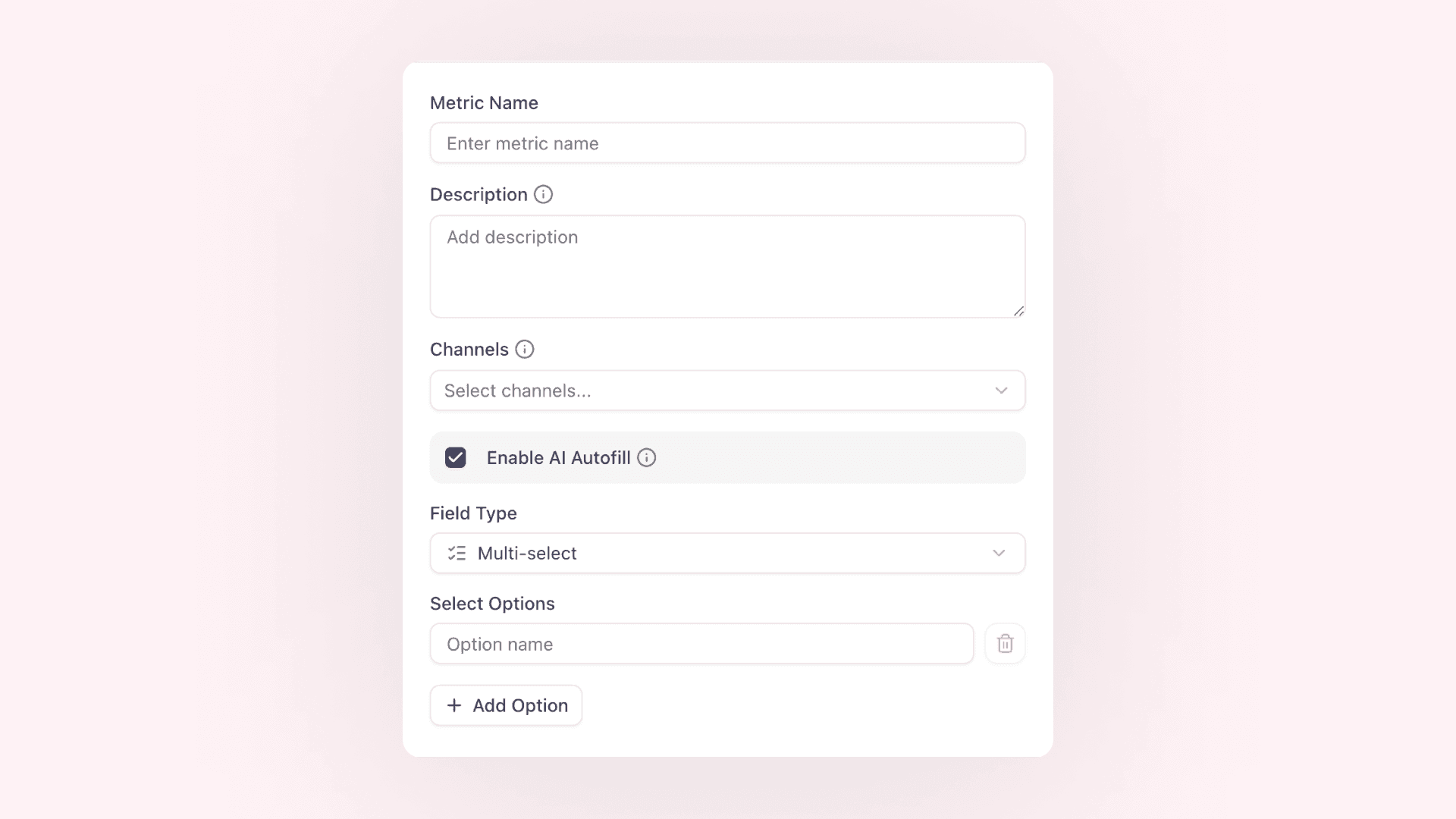

Coverage rarely fits into exactly one category. An article can quote several spokespeople, discuss multiple products, and carry more than one key message. Multi-select metrics let you capture all of those answers in one controlled field instead of choosing just one or creating workarounds with duplicate metrics.
Define the available options in Project Settings > Metrics, choose optional defaults, and then select every value that applies to each clipping. Multi-select metrics work throughout your workflow: use them in clipping filters, group charts and tables by them in dashboards and reports, and import or export several values in one CSV or Excel cell.
Filters match a clipping when it contains any of the selected options. When you group by a multi-select metric, a clipping contributes to every selected option, so overlapping categories remain visible. Because of that overlap, adding the groups together can produce a higher number than the unique clipping total.
You can find setup steps, examples, and CSV guidance in the help center.