Text blocks for reports
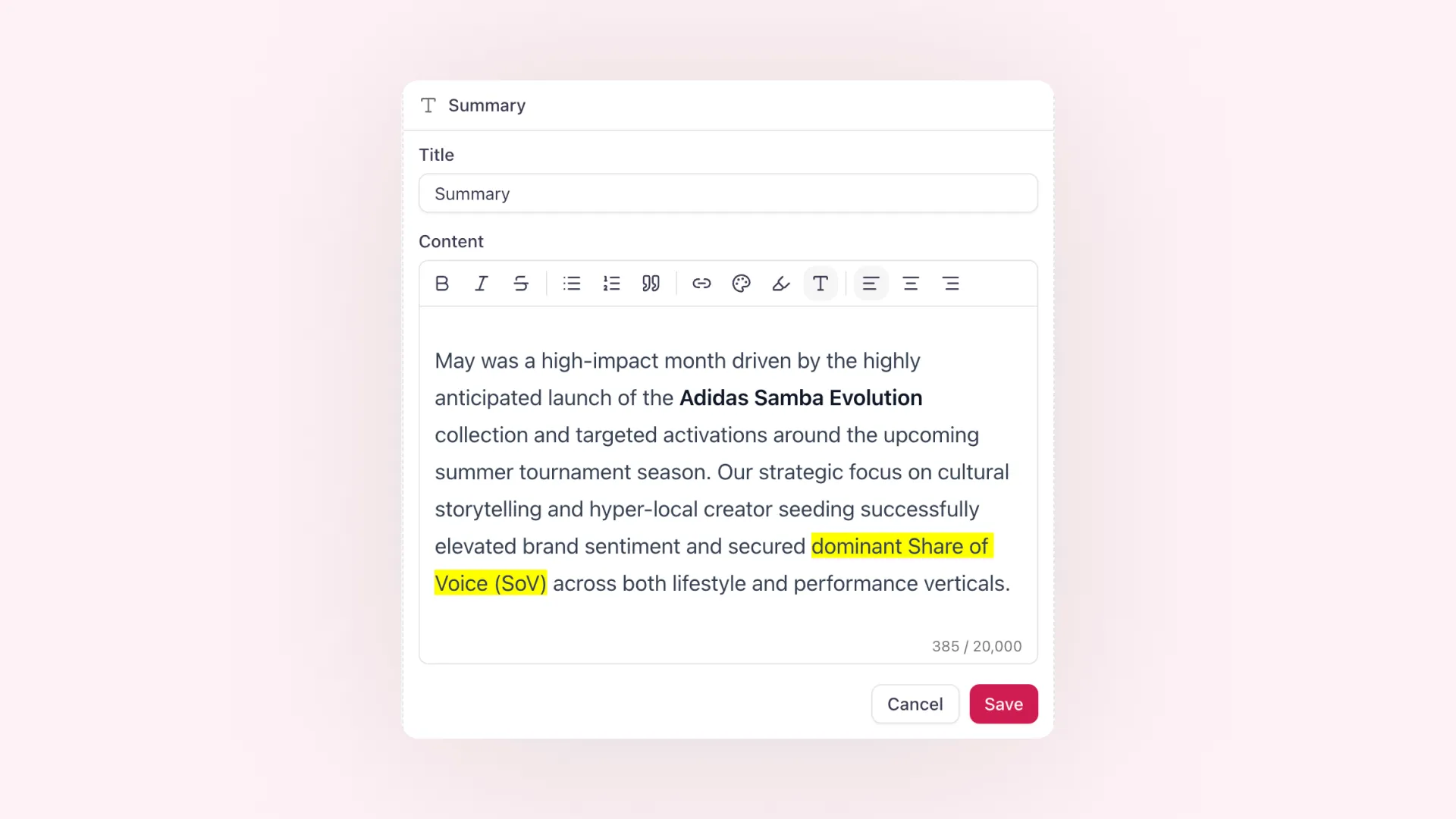

You can now add dedicated text blocks to your reports.
Use them to introduce a campaign, explain key takeaways, add stakeholder context, or close a report with recommendations and next steps. Text blocks can be placed alongside your existing report modules, so the story around your clippings, metrics, and charts stays in the report itself.
The new editor supports formatting such as bold and italic text, bullet and numbered lists, quotes, links, colors, highlights, text sizes, and alignment. Content is shown consistently in the report editor, public report view, and exported PDF.
This makes reports easier to turn into polished client updates, campaign recaps, and internal summaries without switching to a separate document.